FAQ
Common questions
Straight answers about the hub, ProductBot, and how to get help.
- What does stuck between demo and done mean?
- You have a working product, but pricing, channel, first users, or launch still aren't real. Product Manager Hub is built for that stall—free ship stories and ProductBot on the site, the Product Manager Hub Community for playbooks and peers, and hands-on help later if you need it.
- What is Product Manager Hub?
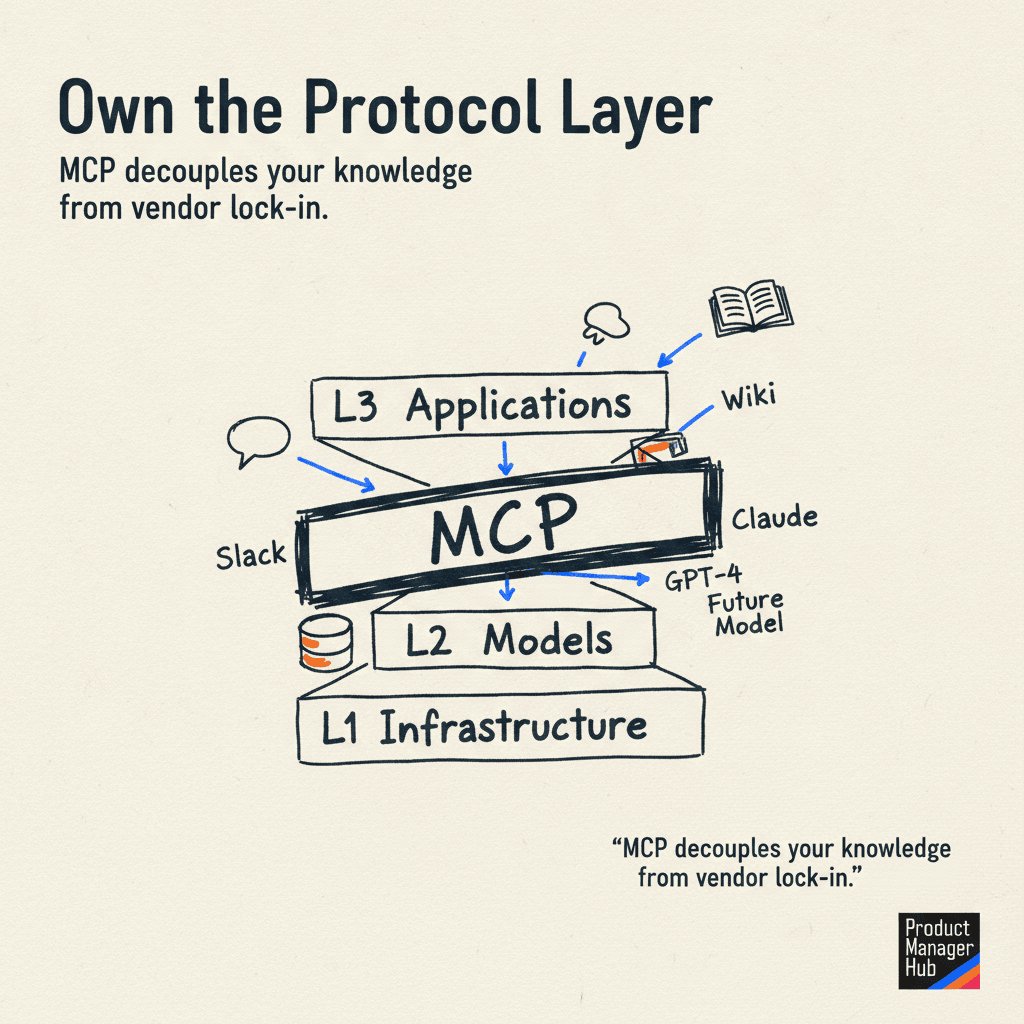
- Product Manager Hub helps builders get from demo to done. Anthony Ludwig shares GTM lessons through ship stories, essays, ProductBot, a knowledge base, MCP for Claude, the Product Manager Hub Community, and advisory.
- What is ProductBot?
- ProductBot is the free public guide on productmanagerhub.io. It answers product strategy and hub questions using curated product leadership knowledge—not generic chat. For playbooks and community, join the Product Manager Hub Community. Book a scoping call only when you want hands-on 1:1 help.
- What is Access?
- Access is the Product Manager Hub Community and playbooks path for builders still figuring things out—peers, sequenced plays for pricing and first users, and momentum tools. Free content stays on the public site; Access is the default next step before booking a call.
- How is this different from ChatGPT or Claude alone?
- General models draw on broad public text. Product Manager Hub focuses on curated product leadership and go-to-market lessons for the demo-to-done stall—available on the site, in ProductBot, via MCP, and in Access.
- Who is Product Manager Hub for?
- Builders and product leaders stuck between a working demo and real users—especially on pricing, channel, first customers, and launch. Explore free, join Access for community and playbooks, or book help for 1:1 later.
- Who built Product Manager Hub?
- Anthony Ludwig (Tony) builds Product Manager Hub himself—writing, ProductBot, the knowledge stack, MCP, Access, and client tools. Learn more and connect on the About page.
- How do I get started?
- Start free: Ask ProductBot, read ship stories and articles. When you want playbooks and peers, join the Product Manager Hub Community. Book a scoping call only if you need hands-on 1:1 help.